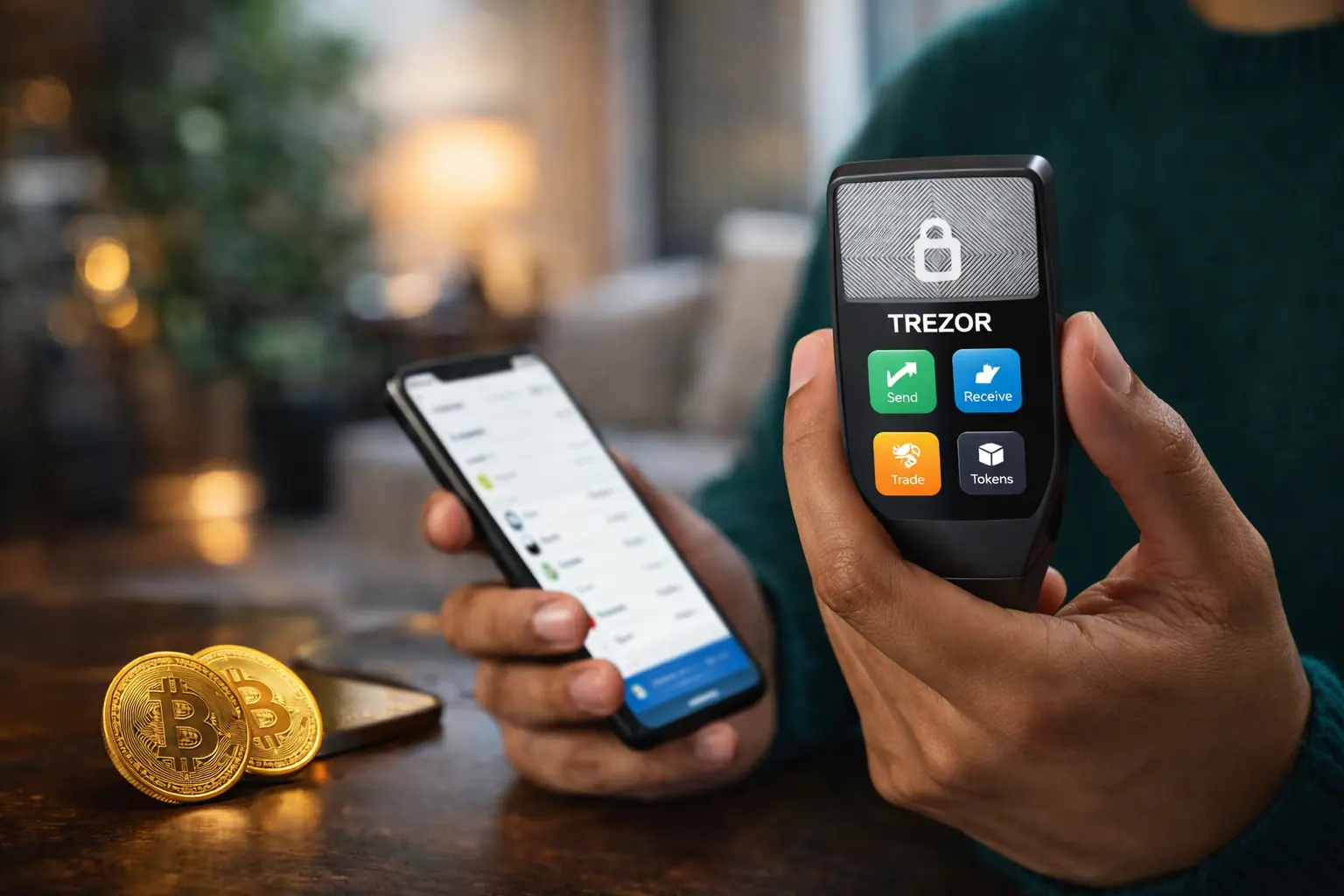

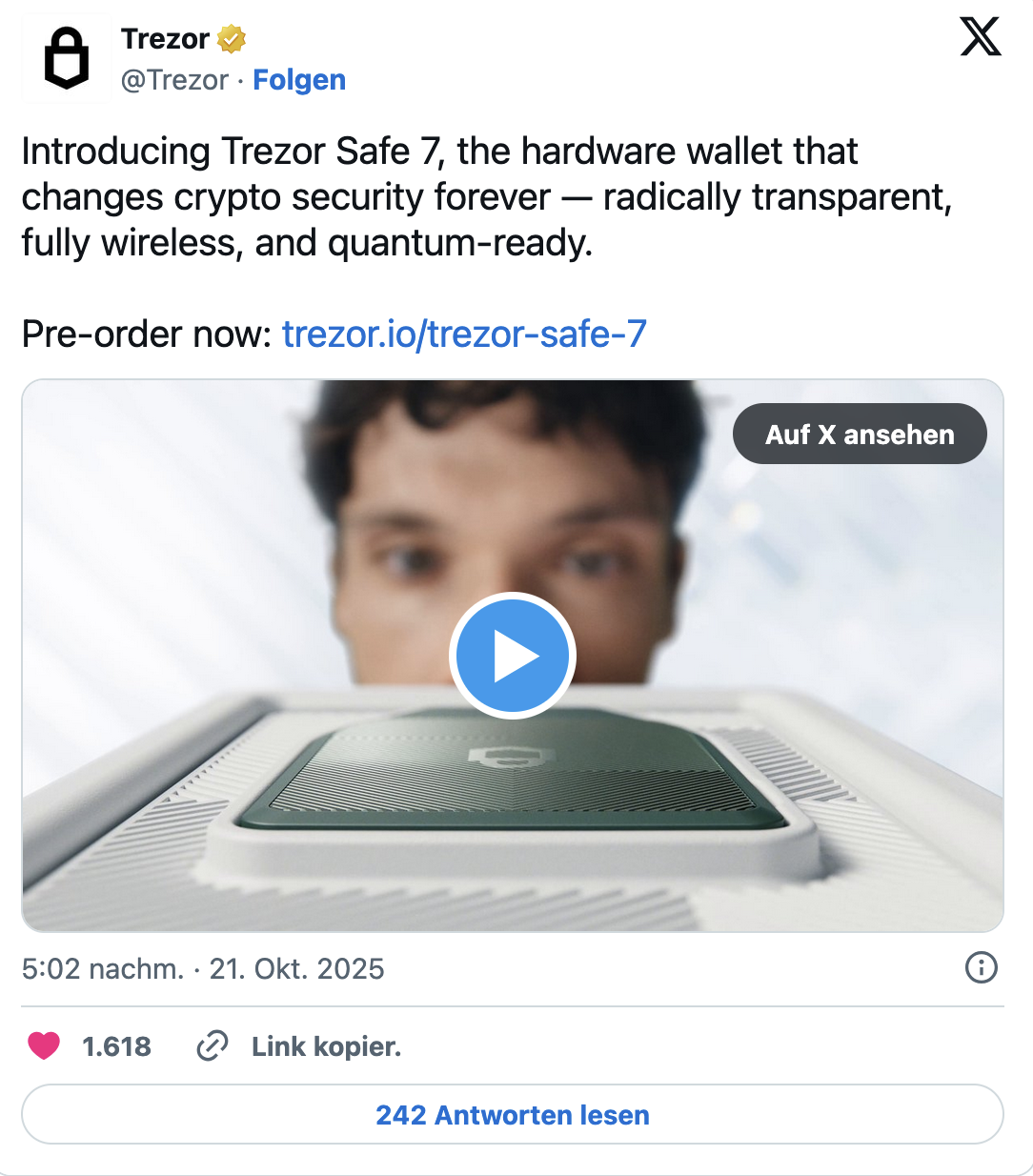
Trezor claims that its new device can “forever change the approach to cryptocurrency security.” It sounds ambitious — but that is exactly the premise with which the Trezor Safe 7, the new flagship from SatoshiLabs, has entered the market. We tested the device to determine whether Safe 7 truly sets a new standard for hardware wallets or represents an evolution of already familiar solutions.
Hardware wallets are still considered the gold standard for self-custodial storage of crypto assets, and Trezor has traditionally held a special position in this segment thanks to its open-source codebase and strong focus on transparency. With Safe 7, the manufacturer aims to combine several key directions at once: everyday usability, mobility, modern design, and a multi-layered security architecture built for the long term.
Design and build quality
At first glance, it is clear that the Trezor Safe 7 is a higher-class device compared to previous models. The body features an aluminum unibody design, the back panel is made of glass, and the display is protected by Gorilla Glass 3. The device is rated IP67, meaning resistance to dust and short-term water immersion — still a rarity among hardware wallets.
With dimensions of 75.4 × 44.5 × 8.3 mm and a weight of around 45 grams, the Safe 7 remains compact, yet both visually and tactually feels like a modern consumer device rather than a niche “crypto gadget.” This marks an important shift: Trezor is clearly moving away from a purely technical tool for enthusiasts toward a broader mainstream audience.
The display is noticeably larger, with screen area increased by approximately 62% compared to the previous model. The box includes the wallet itself, a USB-C cable, recovery phrase cards, a quick-start guide, and a safety guide.

Display and user experience
One of the key upgrades is the 2.5-inch color touchscreen with a resolution of 520 × 380 pixels, brightness of up to 700 nits, and haptic feedback. This significantly changes the everyday interaction with the device.
Verifying long addresses, confirming transactions, entering a PIN, and navigating menus all become noticeably easier. Unlike wallets with small displays and physical buttons, there is no constant scrolling or deciphering shortened text. For users who regularly sign transactions, this reduces the risk of errors and improves overall security.
Setup, backup, and PIN protection
Safe 7 initialization is handled via Trezor Suite, available for both desktop and mobile. During testing, the app proved to be one of the most intuitive solutions on the hardware wallet market, making the device suitable even for beginners.
Trezor maintains flexibility when it comes to backups:
-
12-, 20-, and 24-word recovery options are supported,
-
an advanced Multi-Share Backup mode is available.
In the default configuration, the device displays 20 words, which must be written down offline. After that, the user sets a PIN code. After 10 incorrect PIN attempts, the wallet automatically wipes itself — recovery is only possible using the backup phrase.
Worth highlighting is the Backup Check feature, which allows users to later verify that their seed phrase was recorded correctly — a useful option that is often missing from competing devices.
Bluetooth and wireless charging
Safe 7 takes a major step toward mobility. Bluetooth is not an optional add-on here, but a core part of the concept.
-
Android: Bluetooth or USB-C
-
iPhone: Bluetooth only
Connections are established quickly and remain stable, making transaction confirmation from a smartphone far more convenient. Transactions can be initiated on the phone and confirmed directly on the device — without cables or unnecessary steps.
This concept is reinforced by Qi2 wireless charging. The device uses a LiFePO₄ battery, chosen for its long lifespan and resistance to degradation. Under normal usage, a single charge lasts roughly a day, with significantly longer standby time. With wireless charging available, battery life is unlikely to become a pain point for most users.
Security architecture: a layered approach
Instead of relying on a single “universal” secure element, Trezor employs a two-layer security system:
-
TROPIC01 — an open, transparent, and auditable secure element
-
an additional EAL6+ secure element not covered by NDA restrictions
This approach distributes responsibilities across chips, reducing the risk of full system compromise if a single component is successfully attacked. Additional sensors monitor physical tampering attempts, including voltage spikes, temperature manipulation, and laser attacks.
Trezor also positions the Safe 7 as quantum-ready. This means that critical processes — boot, device authentication, and firmware verification — are designed to support post-quantum cryptography. At the same time, the company openly acknowledges the limitation: full quantum resistance will only be possible once the underlying blockchains themselves are upgraded.
Compatibility and additional features
Through Trezor Suite, users gain access to:
-
Coin Control
-
Tor integration
-
WalletConnect support for dApps
-
FIDO2 / WebAuthn, allowing the Safe 7 to function as a hardware security key
This makes the device a versatile tool not only for secure storage, but also for active participation in the crypto ecosystem.
Final verdict: who is the Trezor Safe 7 for?
Trezor Safe 7 is aimed not only at long-term holders, but also at users who:
-
regularly sign transactions,
-
interact with dApps,
-
manage assets from a smartphone,
-
value convenience and error minimization.
The large touchscreen and Bluetooth connectivity significantly improve the user experience, while the layered security architecture makes the device appealing to advanced users.
Priced at €249, the Safe 7 sits firmly in the premium segment. Versions are available in Charcoal Black, Obsidian Green, and an orange Bitcoin-only edition. For users who do not need Bluetooth, the Trezor Safe 5 remains a more affordable alternative.